
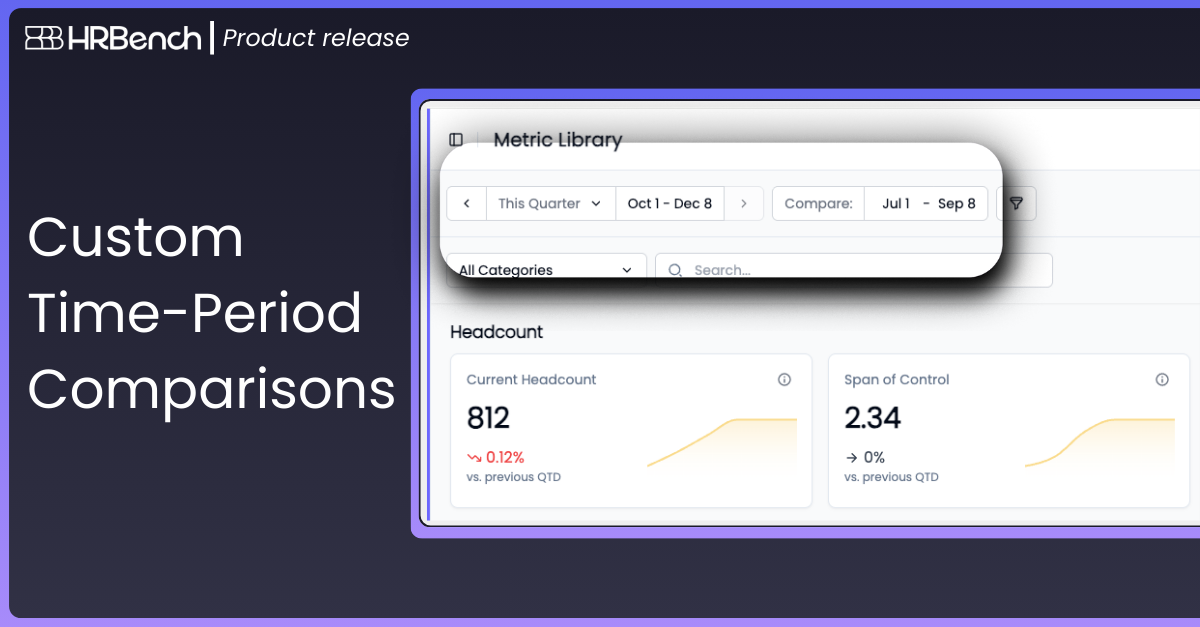
Users now have enhanced controls to set custom time-period comparisons across all metrics within the Metrics Library.
Users can select a comparison window and easily evaluate movement across key metrics throughout the organization.
This enhancement ensures leaders can compare performance in the exact context that matters most, year over year, quarter over quarter, or any custom period.
How It Works:
- Choose the exact date range to compare against by setting your compare window.
- The movement indicator on the metric card shows variance based on the selected comparison period.