
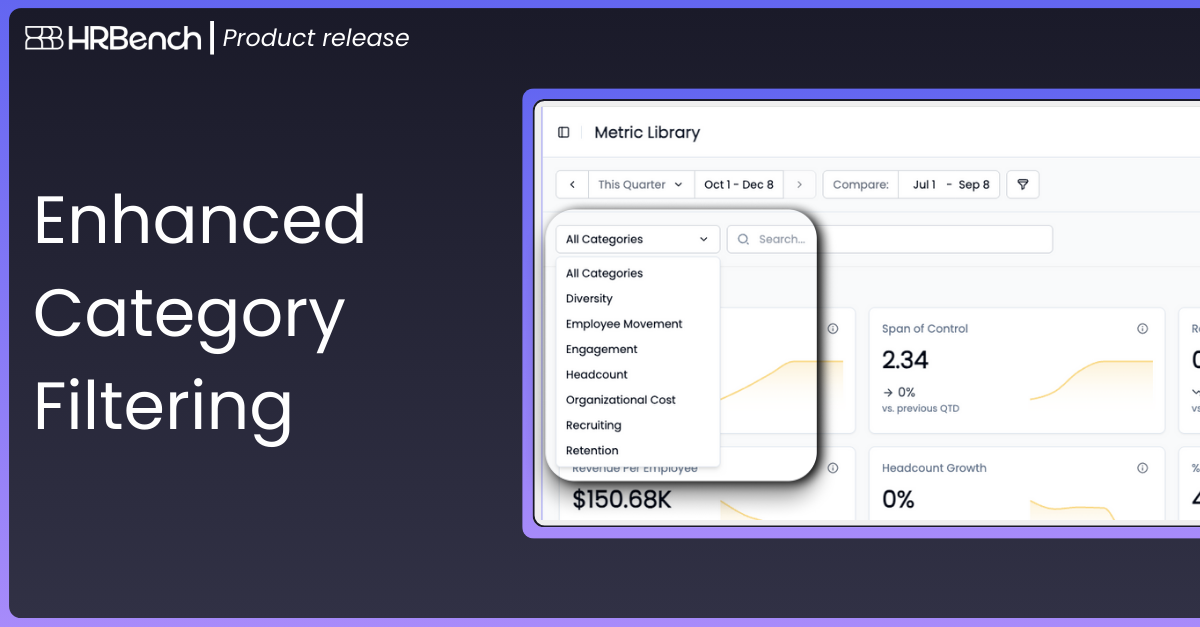
Users can now filter the Metrics Library by specific workforce categories, making it easier to focus on the areas of the organization they need to analyze.
How It Works:
- Select a category from the Category Filter dropdown.
The Metrics Library instantly updates to show only the metrics associated with the selected category.
How to Get Started:
- Navigate to the Metrics Library.
- Use the date picker at the top of the page to choose your preferred comparison window.
- Use the Category Filter dropdown to select your desired category.
- Click the Information Icon on any metric card to explore the Metric Detail Panel.